A month in Brick Town
- 1
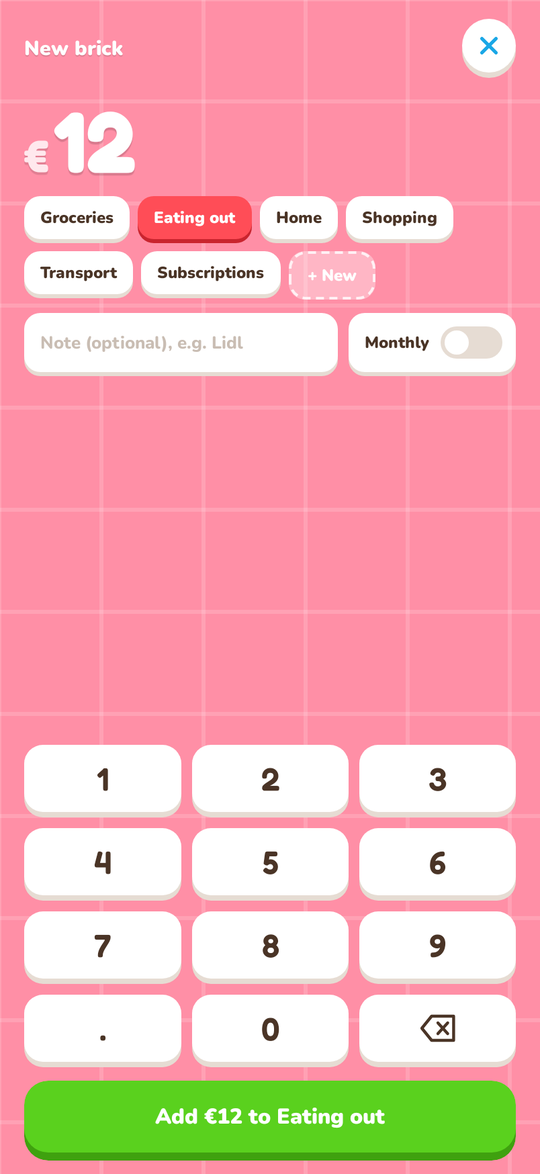
Add a brick in seconds
Type the amount, pick a tower, done. Every €25 you spend is one brick on that category's tower.
- 2
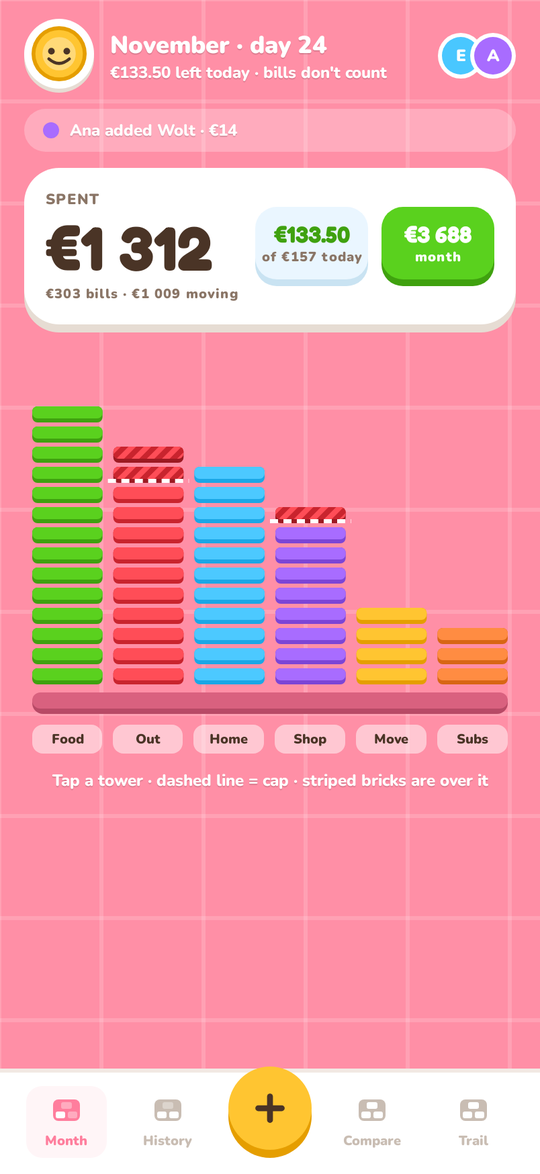
Your month, as a town
The Month screen shows what you spent and what is left for today. A dashed line marks a tower's cap, and bricks over it turn striped.
- 3
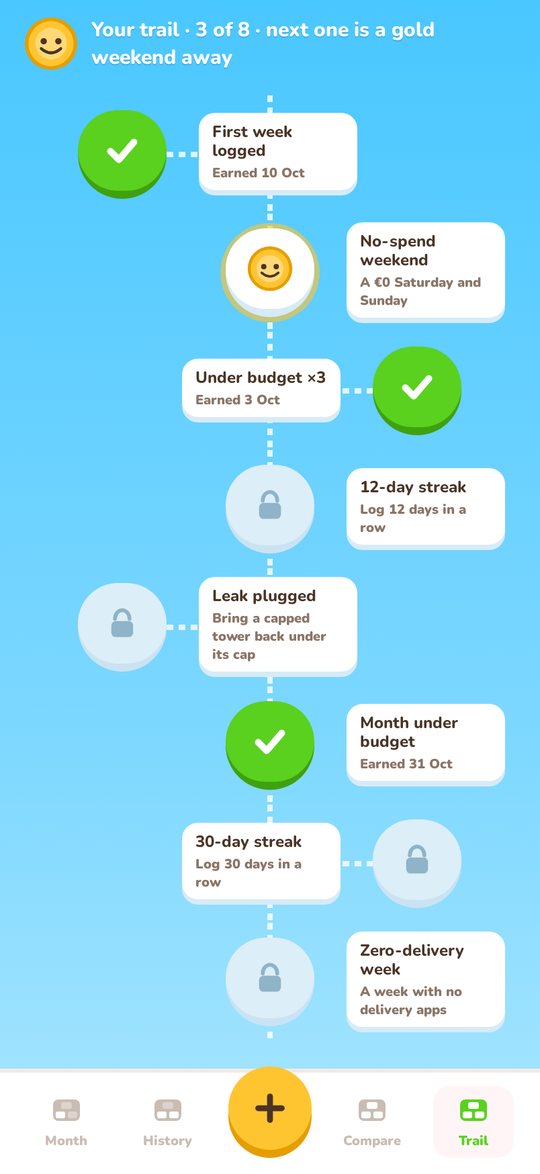
Gold days and a trail of goals
A day with no spending is a gold €0 day. Streaks, no-spend weekends and months under budget light up your trail.
- 4
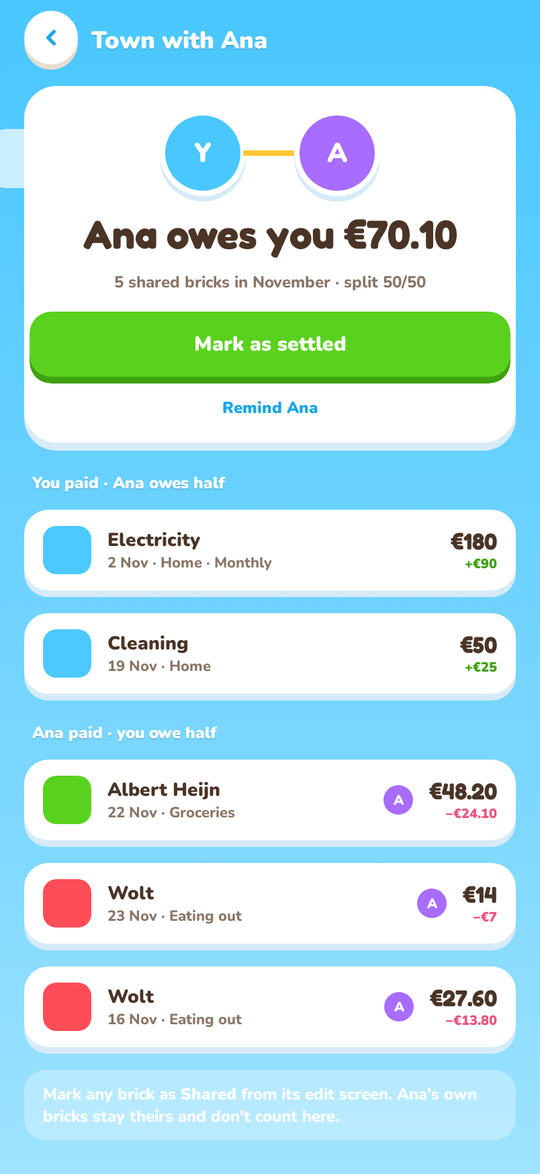
One town for two
Invite your partner with a link and share the same towers, bills and budget. Settle up shows who owes whom, split 50/50.
- 5
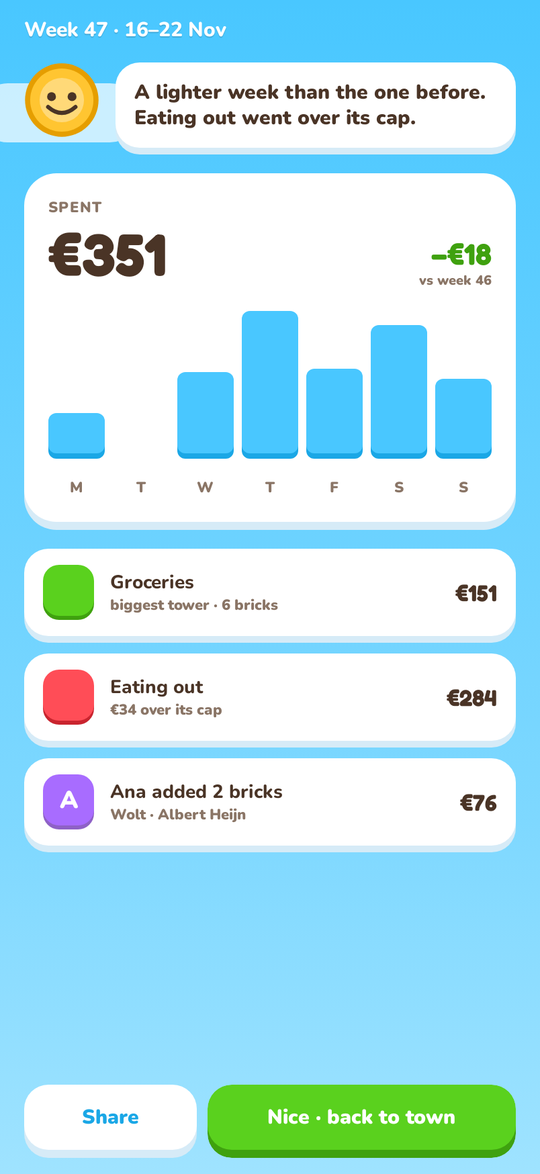
A recap every Sunday
At 18:00 on Sunday, Penny sums up your week and compares it with the week before.
- 6
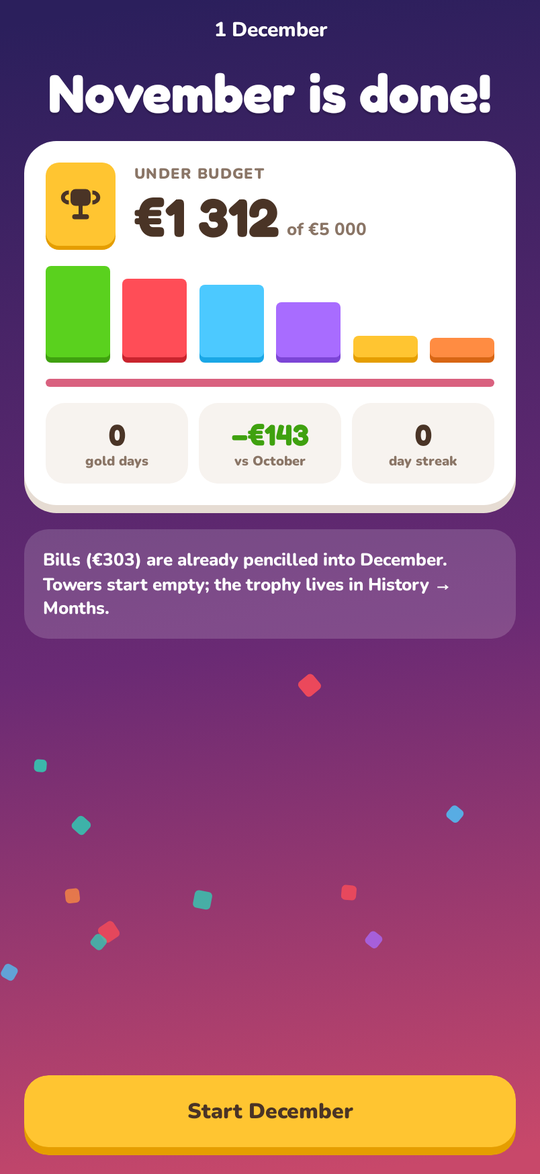
Close the month, keep the trophy
When the month ends you see how it went. The trophy moves to History and next month's towers start empty.
Also in Brick Town
- Import a CSV or PDF bank statement
- Home-screen widgets on Android
- An evening reminder, only on days you have not logged
- Works offline and syncs later
- Android and iPhone
See it in 15 seconds
The whole idea, start to finish.
All names and amounts on these pages are sample data.
Brick Town is open source
The whole app is on GitHub: the Android and iPhone app and the small server that keeps a shared town in sync. It is not in the app stores yet, so for now you build it from the code.